
In August 2023 I was playing around with Galileo AI, a tool created by a french AI researcher. It was “the future of design with AI” at that time, the design tool with easy “text prompt to UI” or “image to UI flows”. But aren’t all AI tools that we get flooded with on our feeds, the next big thing?
As per this article (written in 2025), it has some incredible stregths:
• rapid prototyping (Galileo excels at quickly generating early-stage UI, helping teams iterate faster and explore various design directions.)
• ease of use (Its familiar ChatGPT-esque interface makes it accessible to both design professionals and non-designers)
• collaboration (The ability to export directly to Figma ensures seamless collaboration within design teams and stakeholders).
While all this talk of “look at how this AI tool COULD work” or “look at all the great things AI COULD or WILL do” is inspirational and sounds excellent on paper, the limitations of such a tool bubble up quickly as soon as you give them a quick run for their money (or your time).
And some of those limitations are also outlined in the same article mentioned above along with it’s strenghts:
• lack of precision (“while useful for early, serviceable UI, AI-generated designs may lack the precision required for pixel-perfect visuals and intuitive interface controls”),
• customization challenges (“Galileo struggles with more complex instructions, specialised use cases and visual design. It has access to very limited visual design components that it uses across the board”)
• inconsistencies (“contextual, deeper prompts while fine tuning an interface within Galileo can run into a situation where the visuals generated and the accompanying text change/update log do not match, requiring manual review to validate.”)
These limitations are the exact kind that actually render it rather useless in a real production context, in which “quickly generated early-stage UI”, “ease of use”, “seamless collaboration” are not of much help, if what it produces is not actually usable in detail and requires a lot of rework. Many times in a production context, having to redo things, because first you have to find the issues, document them, then fix them, generates more overhead than actually doing the thing correctly from scratch.
Also, design usually doesn’t start with “quickly-generated early-stage UI”. By the time you get to the point where you need any kind of UI mockups, you would have already figured out how that UI should or shouldn’t be, and what it should include or not. The thing with these kinds of AI implementations is that they are the perfect example why talking about what you’re going to do is not the same thing as what you actually HAVE TO DO, or what you CAN actually do. But of course, getting one screen after writing down a sentence is an impressive result that gives a quick dopamine hit, and that feels awesome.
Yesterday, I stumbled upon it again, the same product, almost two and a half years later, now called Stitch with Google (the big G bought them in 2025), and I ended up playing around with it for 15 minutes. Exactly 15 minutes.
Why 15 minutes? First, because after I had given it a pretty comprehensive prompt, the quality of the design it produced fell into the exact same quality range, or lack thereof, that I experienced (and also read about) one year ago. Second, because after waiting for it for 15 minutes, it produced exactly 1 design that I could actually see, while 5 other screen designs remained stuck in limbo in a loading screen of death situation.
For someone who knows how the design sausage is made, such tools are simply not at the level they are portrayed at, and the cost of having to do considerable amounts of rework and many iterations that are just random tries and are not actually taking you closer to a set goal, is not worth it. To put it better, for someone who knows how things get done, the cost of iteration is best spent on iterating on actual real problems and results rather than doing high-fidelity guesswork hoping to get the right result. The exact same reason why most of the job descriptions at companies looking for designers are saying ‘we are not looking for a designer that just does pretty screens’.
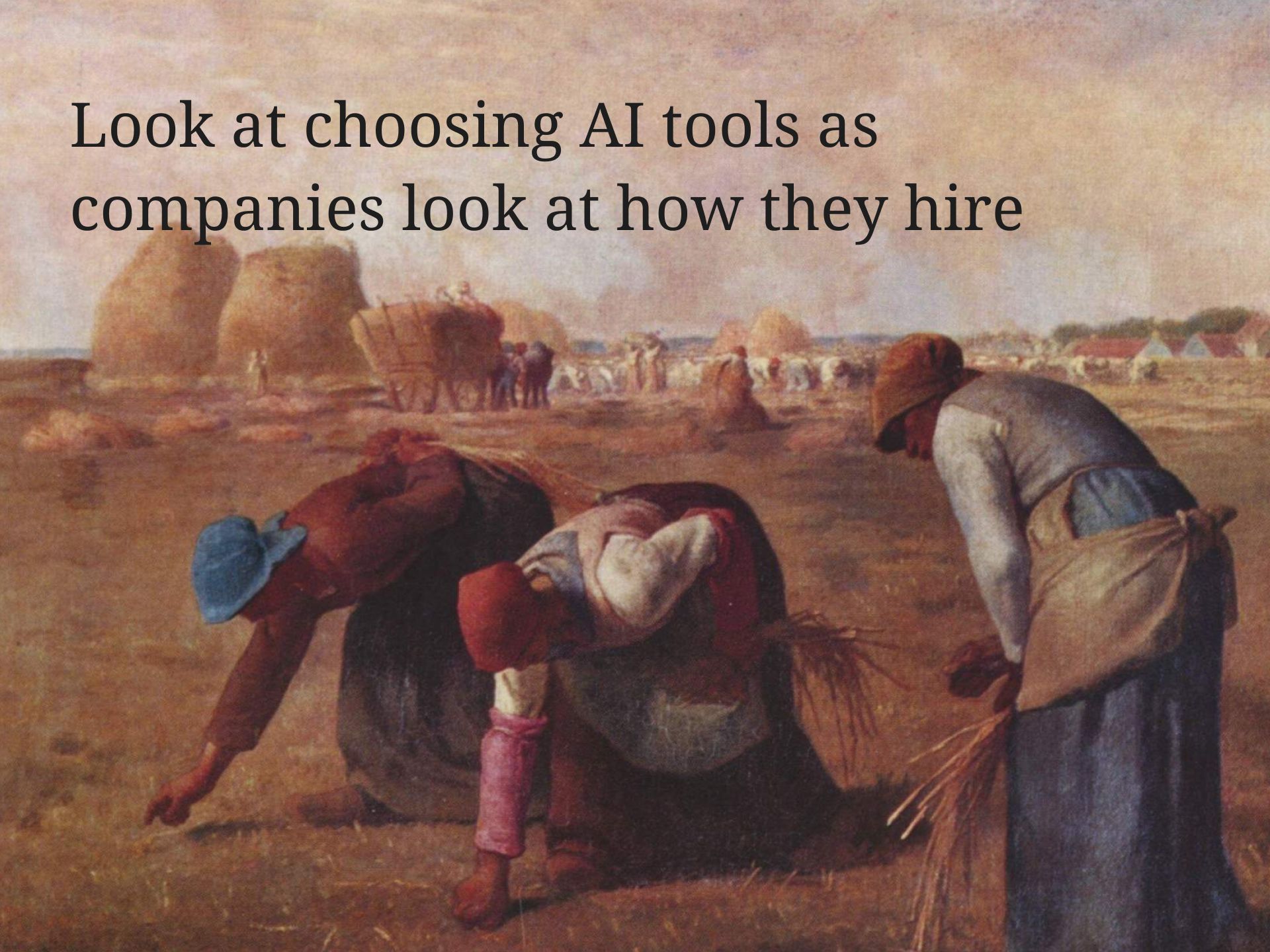
As everyone is spilling on our newsfeeds all kinds of “the future of [insert what] AI” I started to look at choosing AI tools the same way companies look at how they hire. Write down (or know exactly) what I want it to do, run my “ATS” (“assesment of technical suitability”) to see if it fits the requirements, give it 15 minutes (an hour if I’m feeling lucky) to actually PROVE it can do it well within the minimum set of given requirements. If it doesn’t deliver or doesn’t fit a 1% benchmark, I throw it out, never look at it again.
I have absolutely no interest in doing any of the extra work that results from anything that tech bros overpromise and underdeliver about what it can actually do, and I have no interest in paying them for the honor to do it. I lived through too many hype cycles to fall for it and to think that everyone should be swimming in it. If the setup takes more than 2-3 minutes, not looking at it. If it produces something that is below what an intern could do, not looking at it. If it produces more overhead than it reduces, not looking at it. If it gets stuck or needs too much babysitting, not looking at it. It either solves the actual problem or it creates different kinds of problems I don’t fancy solving. If it creates more, it’s out.
We live in an age in which if you’re not paying with money for your choices, you are definitely paying for them with your attention, so all the ‘look at all the great things our AI can do imperfectly, inefficiently and for $20/month’ is simply not good enough.
Tools such as Stitch are a great dinner conversation topic or a fun party trick, but for actual work, I choose products that can actually prove their last mile value. So, off to try out Claude Code and see if it’s any good and to tend to my Figma variables and components.
Artwork: The Gleaners • Jean-Francois Millet